It serves as a platform for knowledge, upcoming classes and workshops, and user accounts that allow members to track their experiences and connect with others.
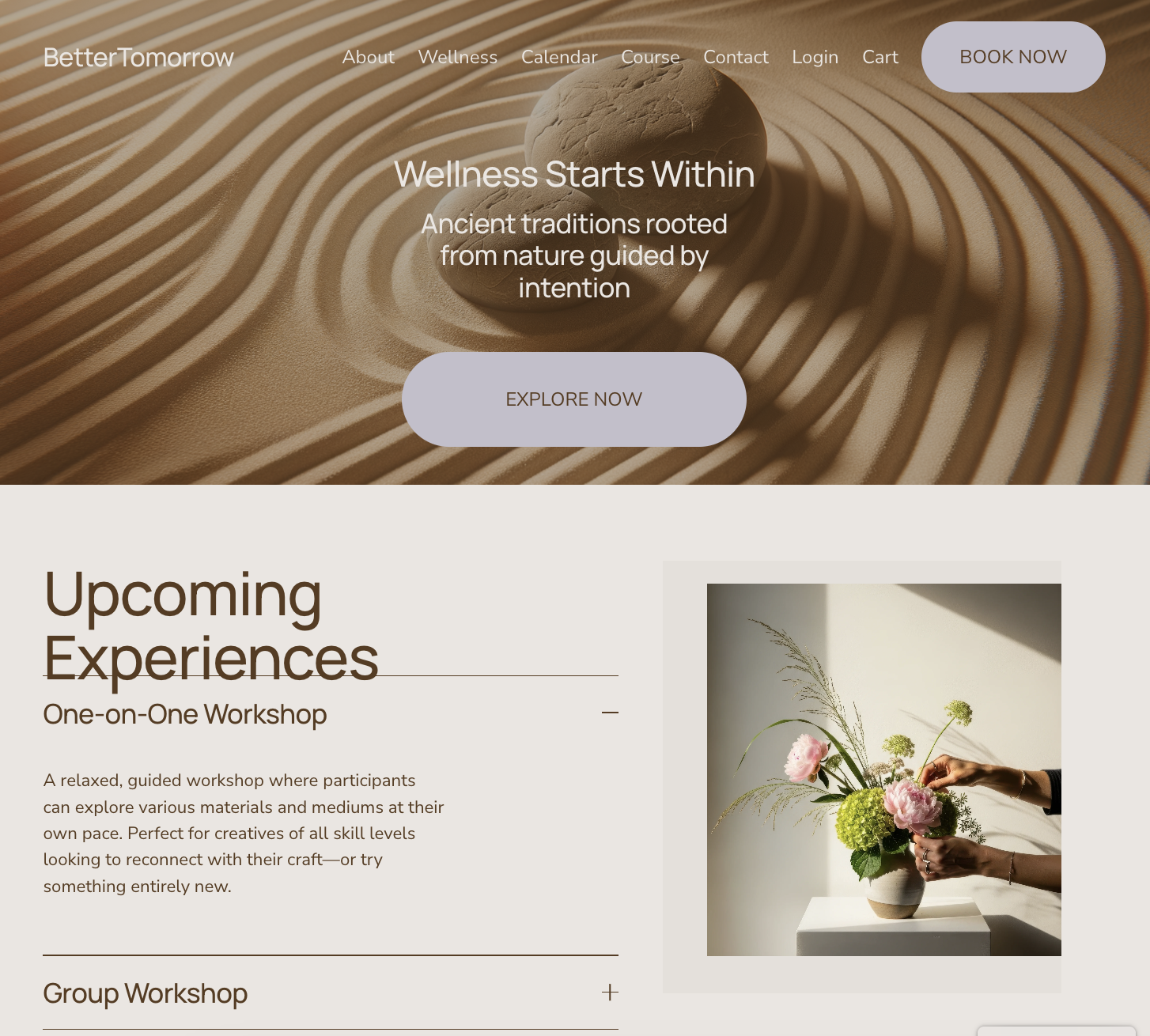
The Homepage
The first page a user sees is a calm, welcoming place that grabs the audiences attention. It higlights upcoming experiences, offers potential membership options and features a tabbed menu for easy access.
The About page
BetterTomorrow’s mission and background are presented on the About page, offering deeper insight into the company’s purpose. This page is designed to show the audience that it is a welcoming and inclusive space.
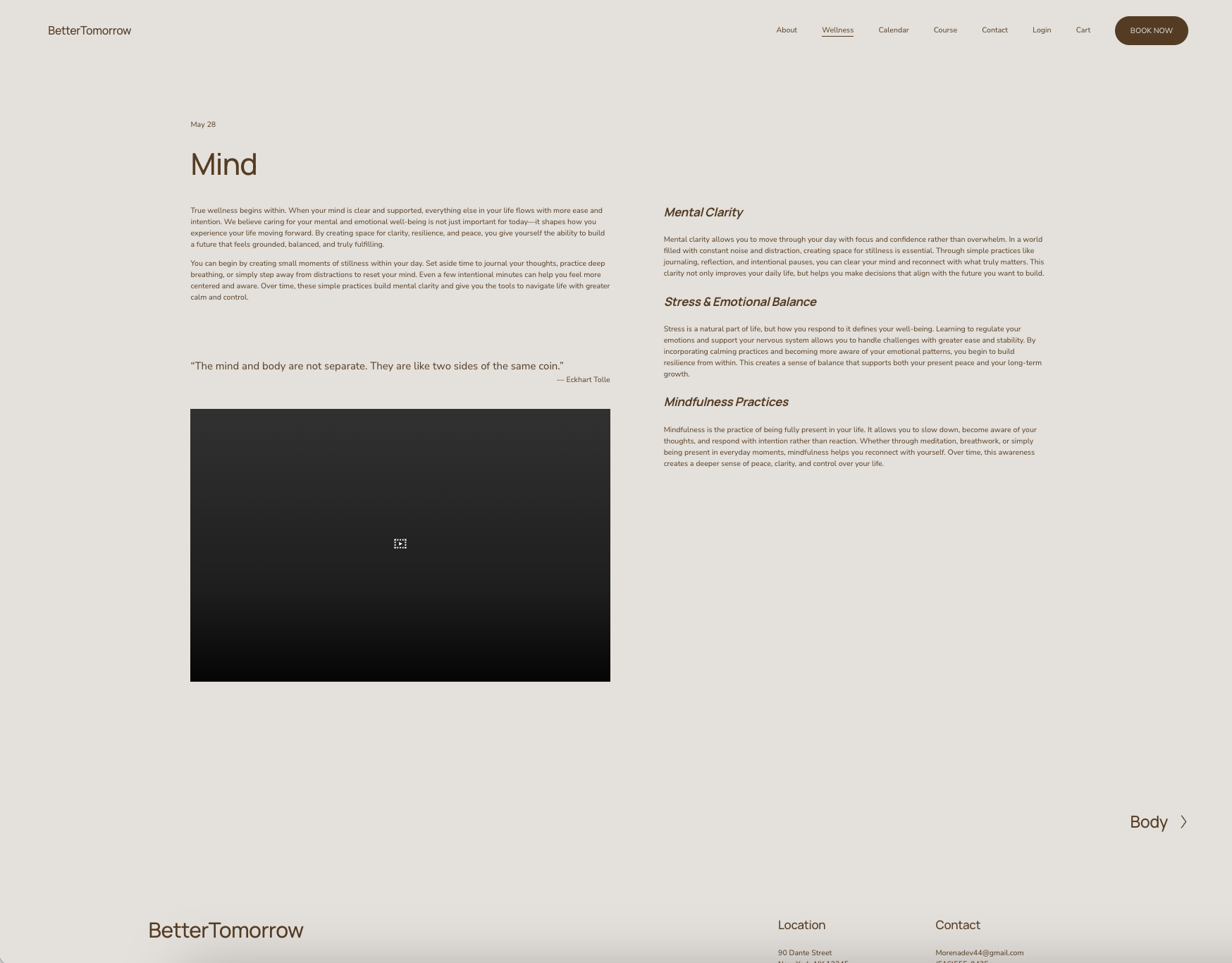
The Wellness page
highlights the four core elements that BetterTomorrow emphasizes: Mind, Body, Nutrition, and Lifestyle.
It presents a user-friendly layout with visuals that enhance and clarify the content.
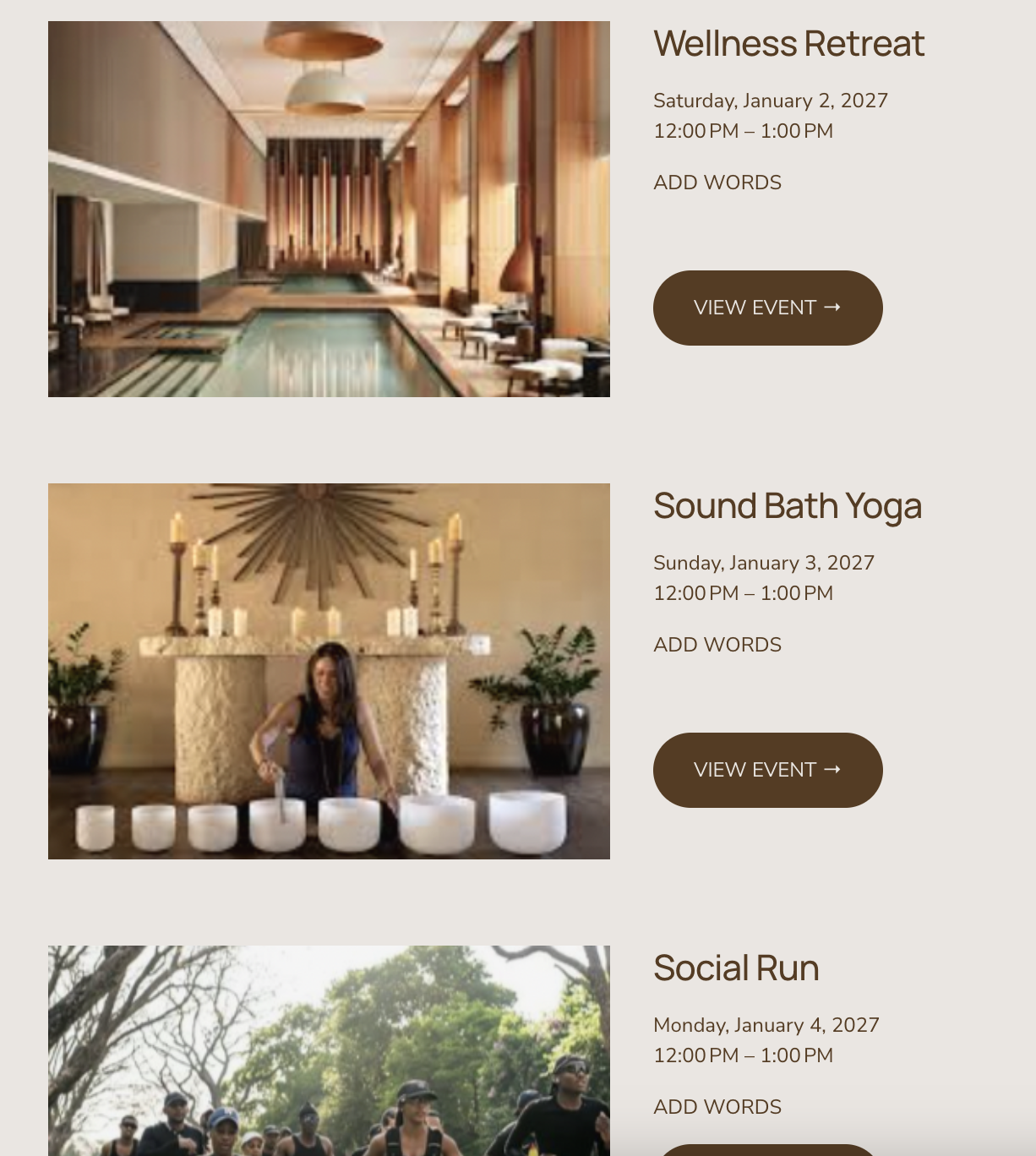
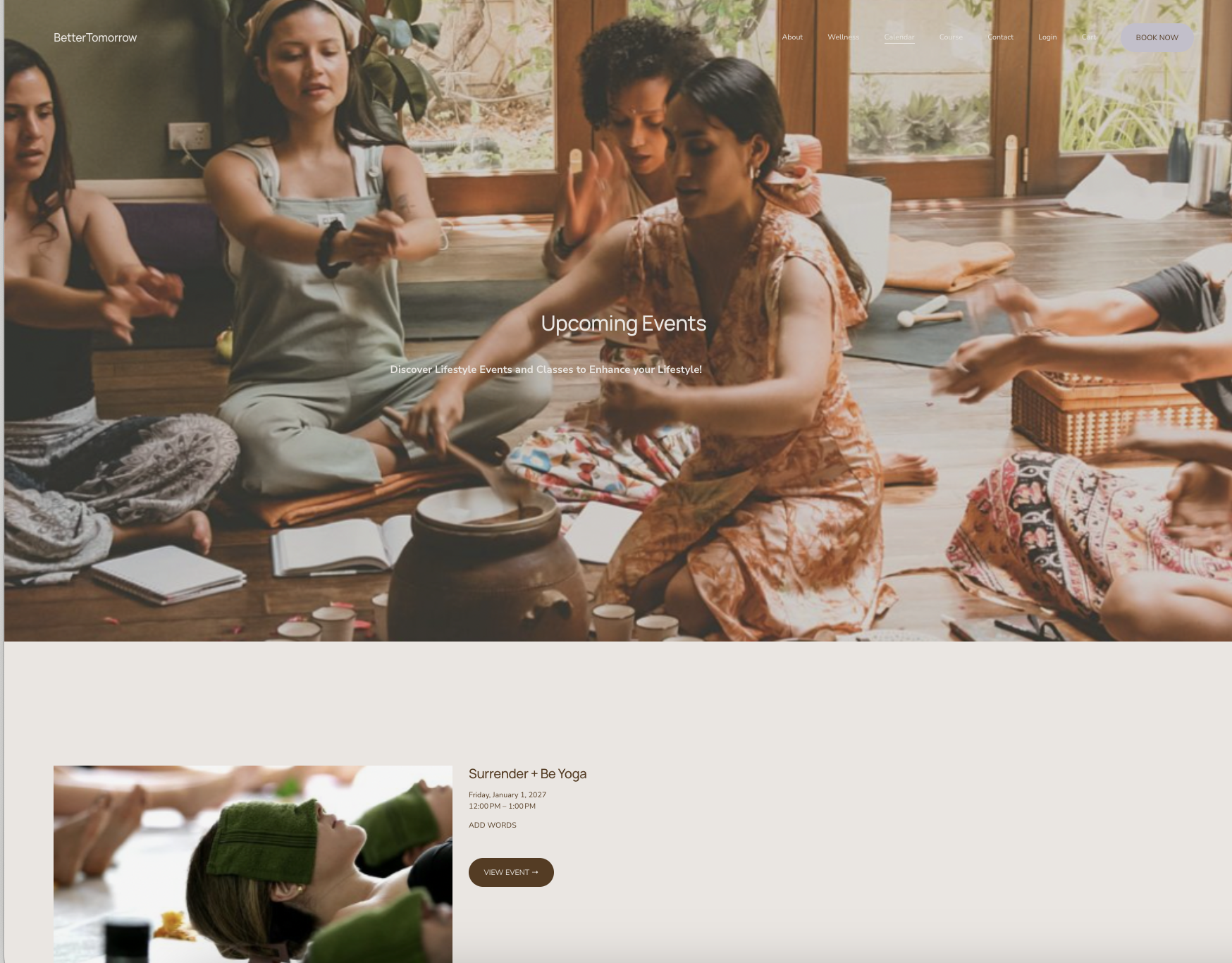
The sections of Classes page
BetterTomorrow connects its users with other companies and individuals that offer services with a shared motivation to help people live a better life.
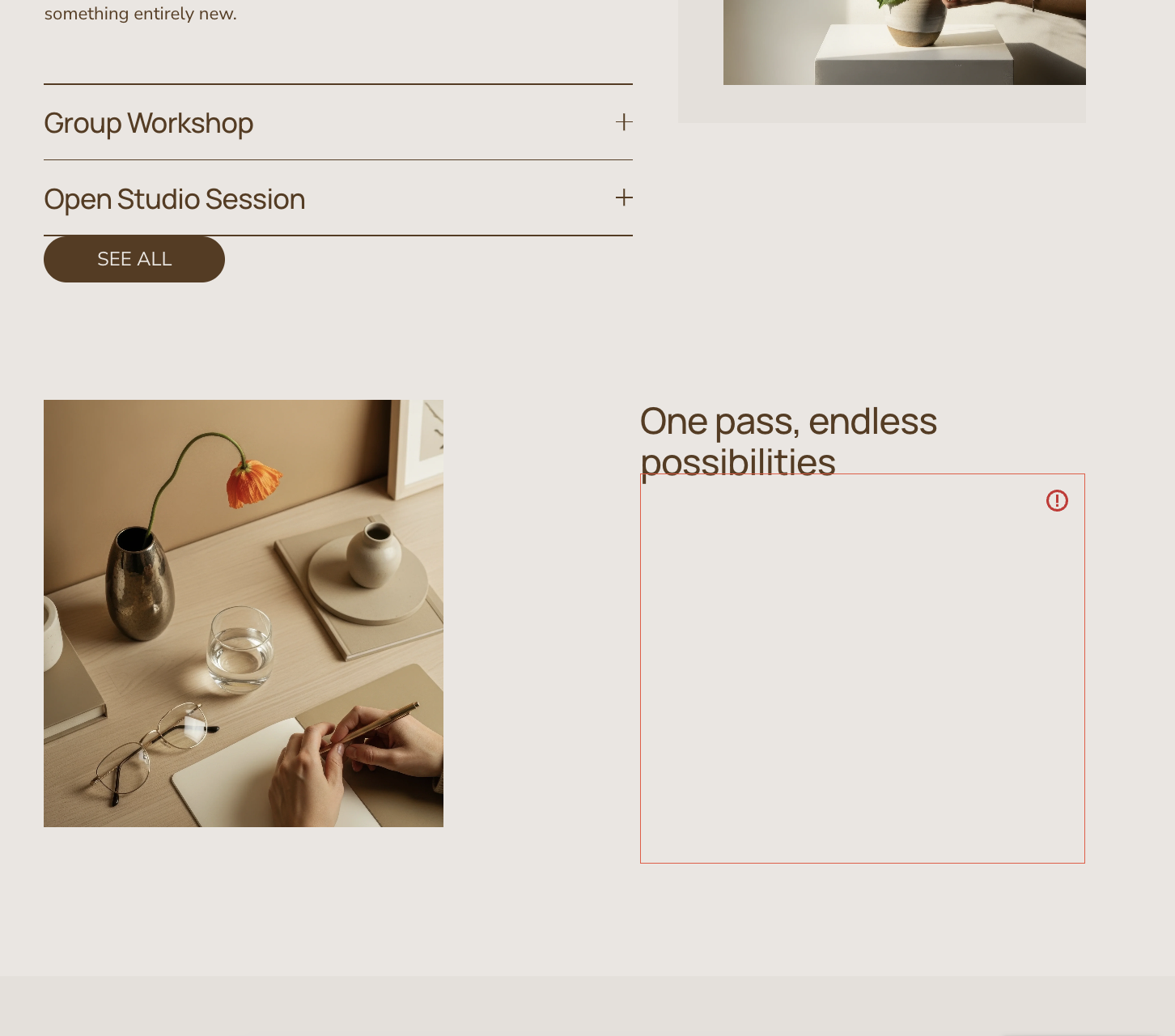
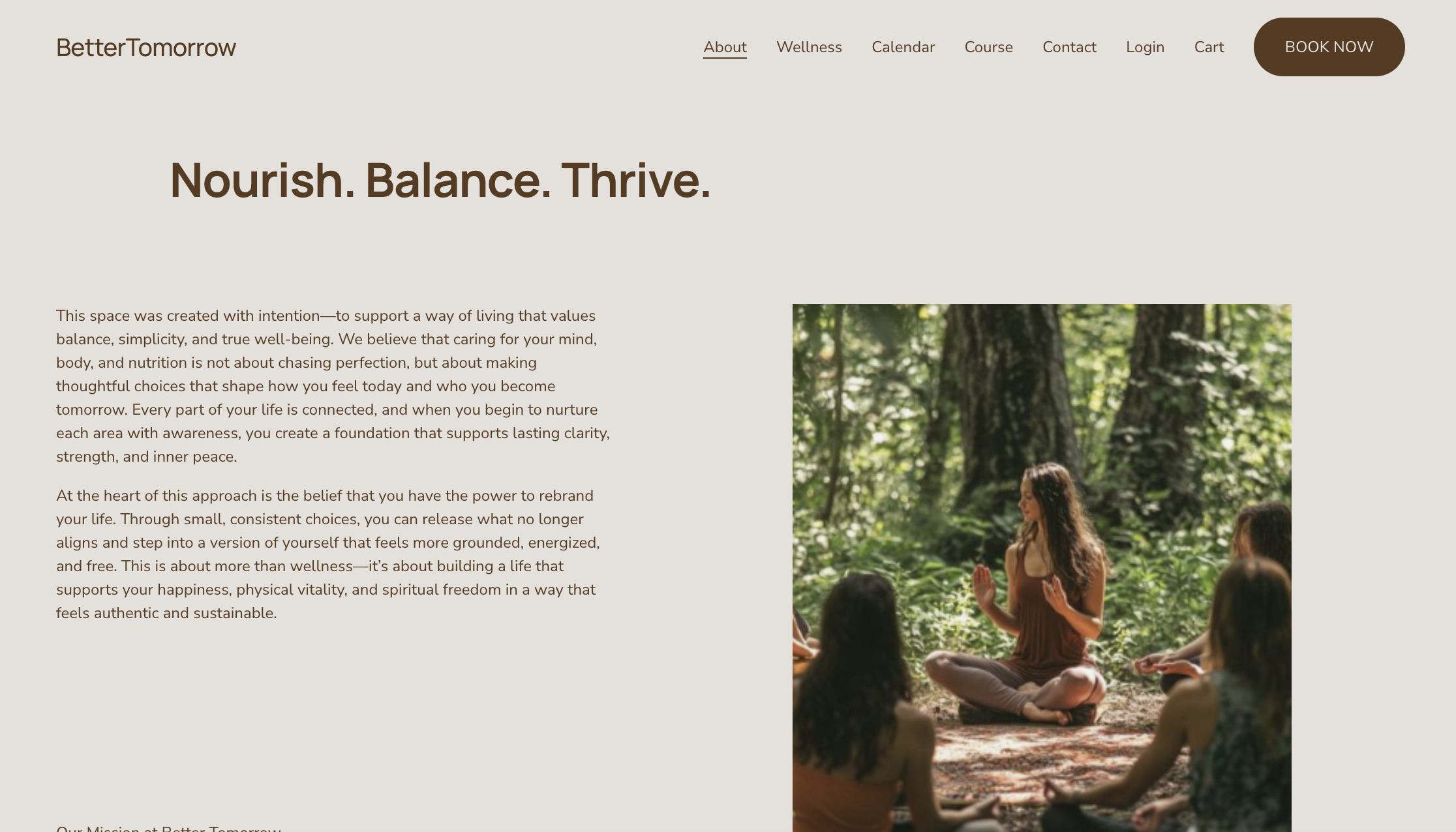
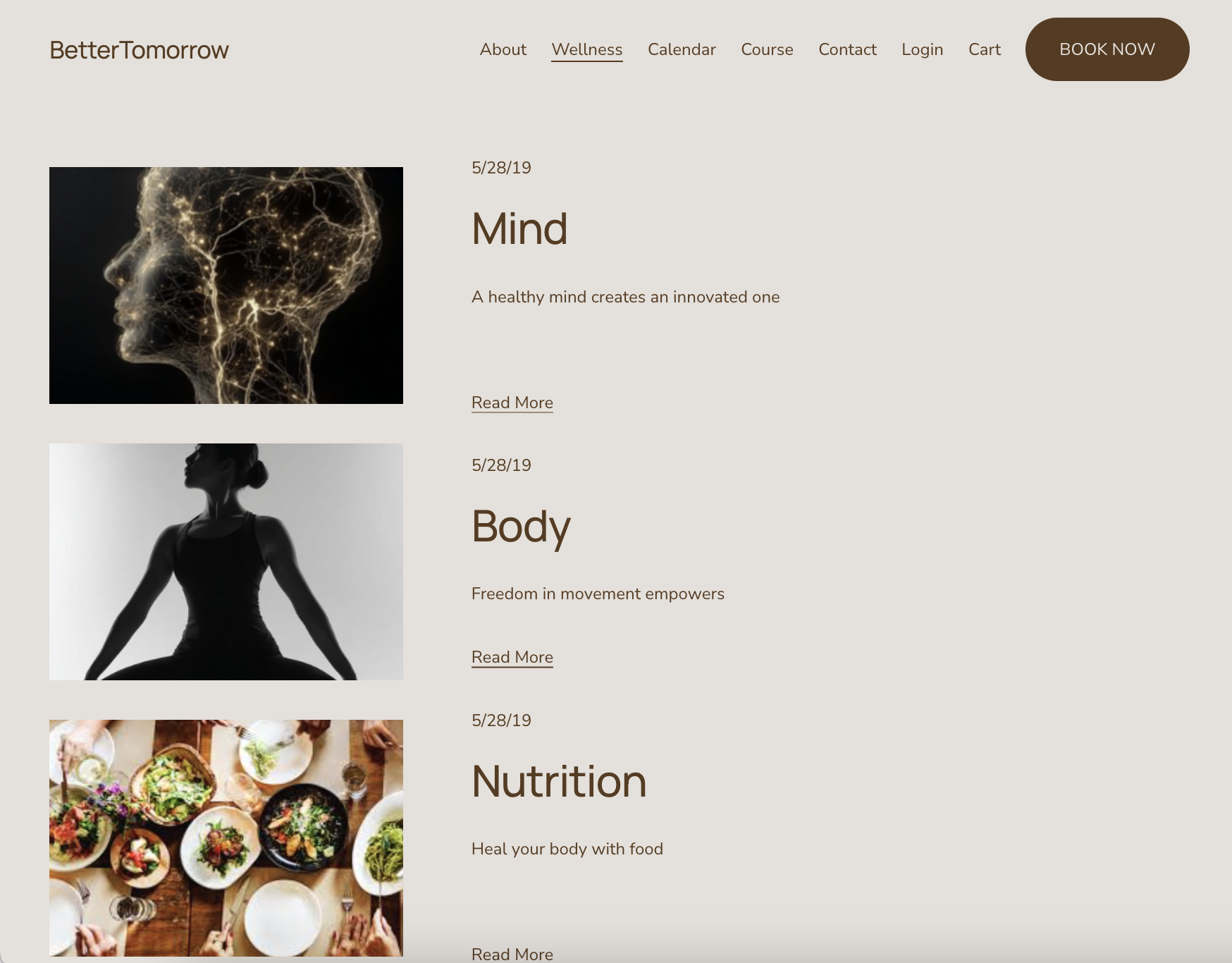
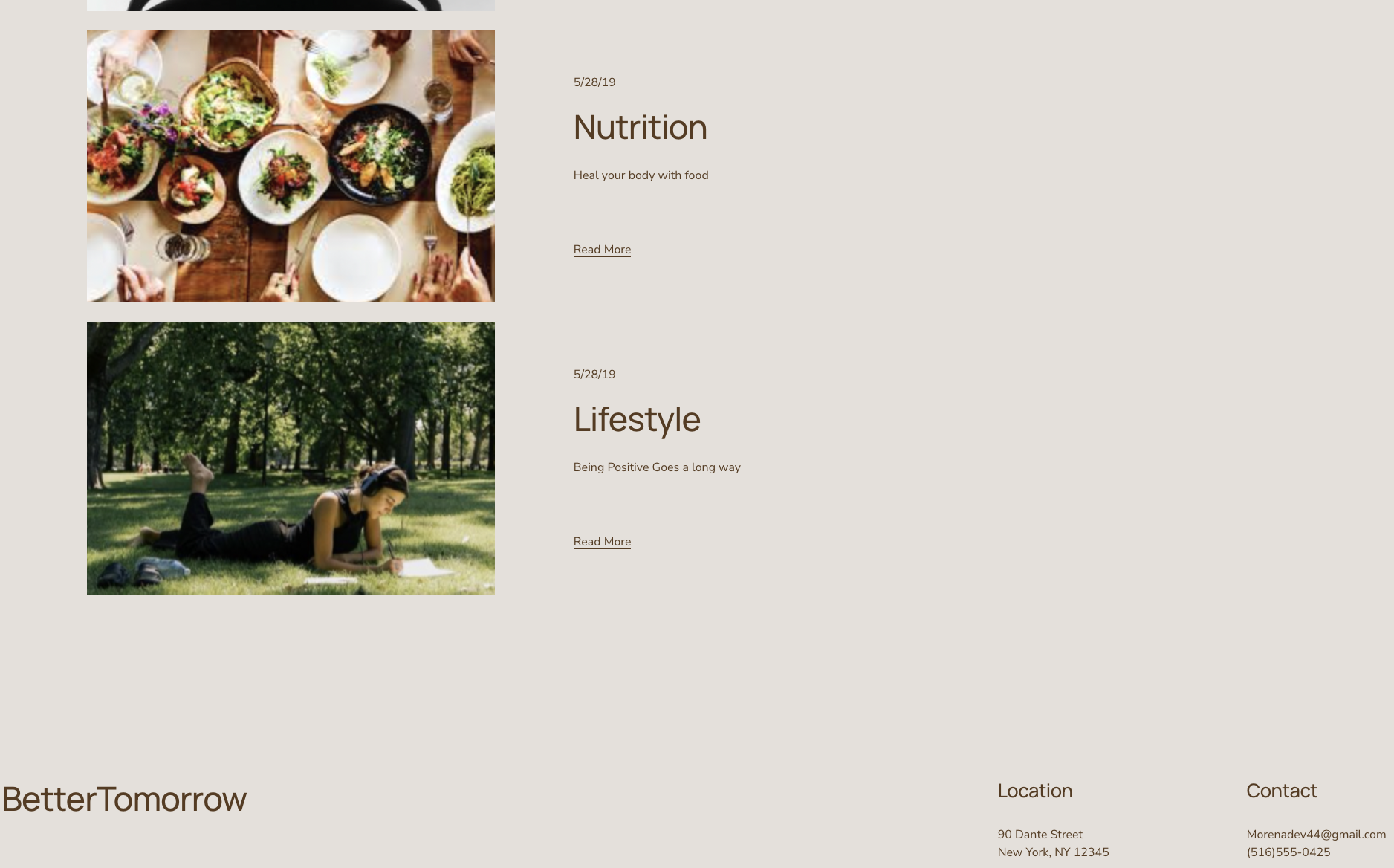
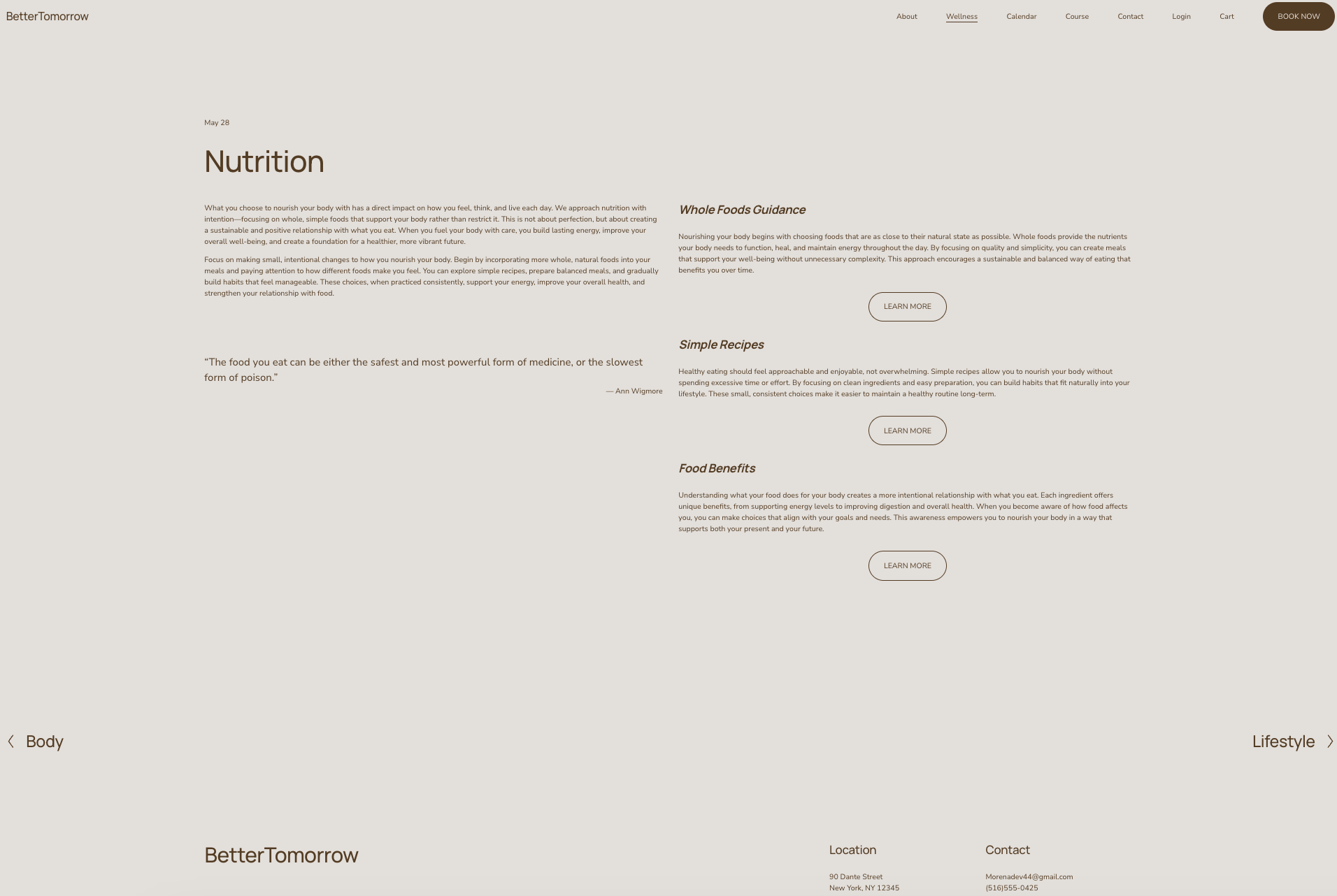
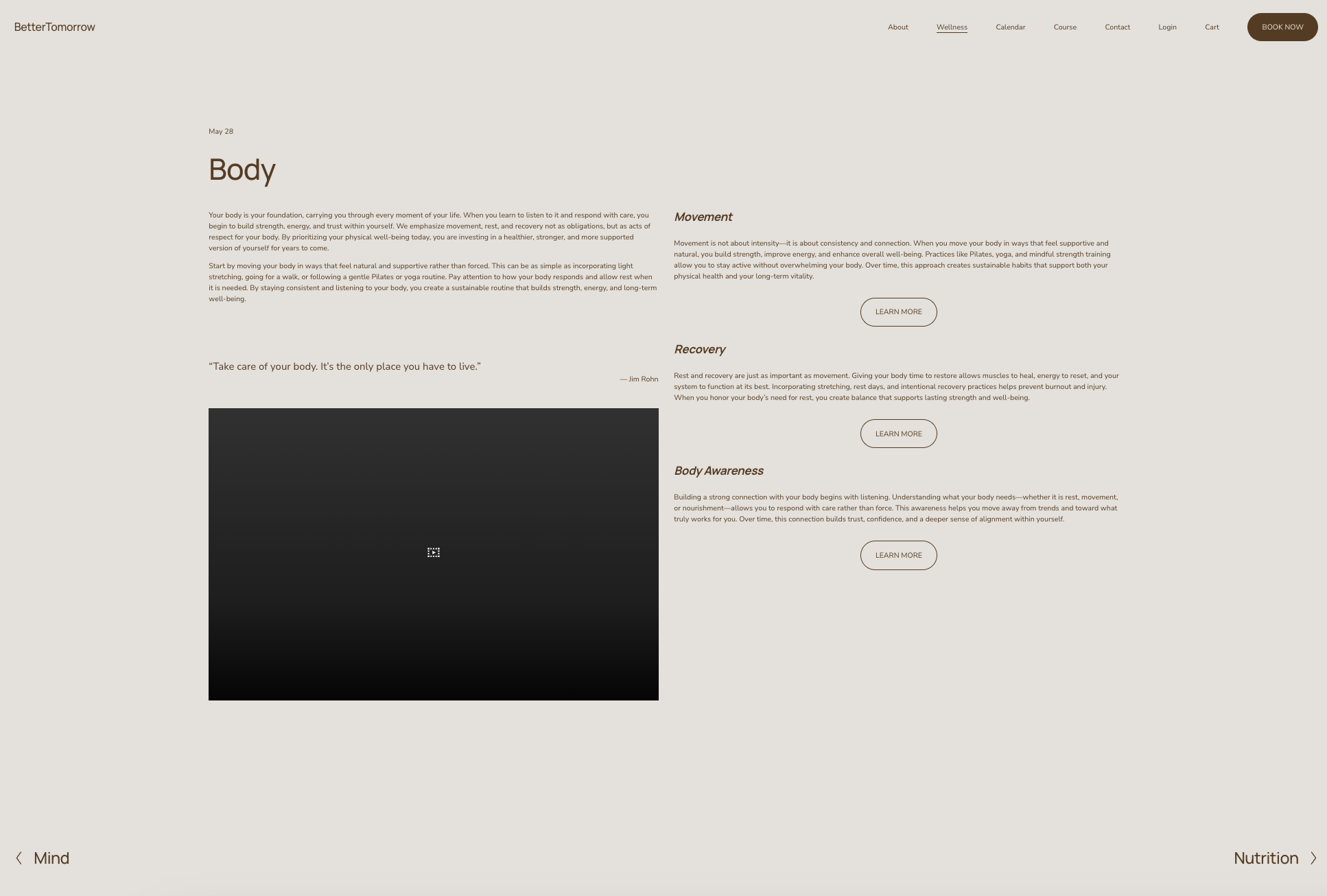
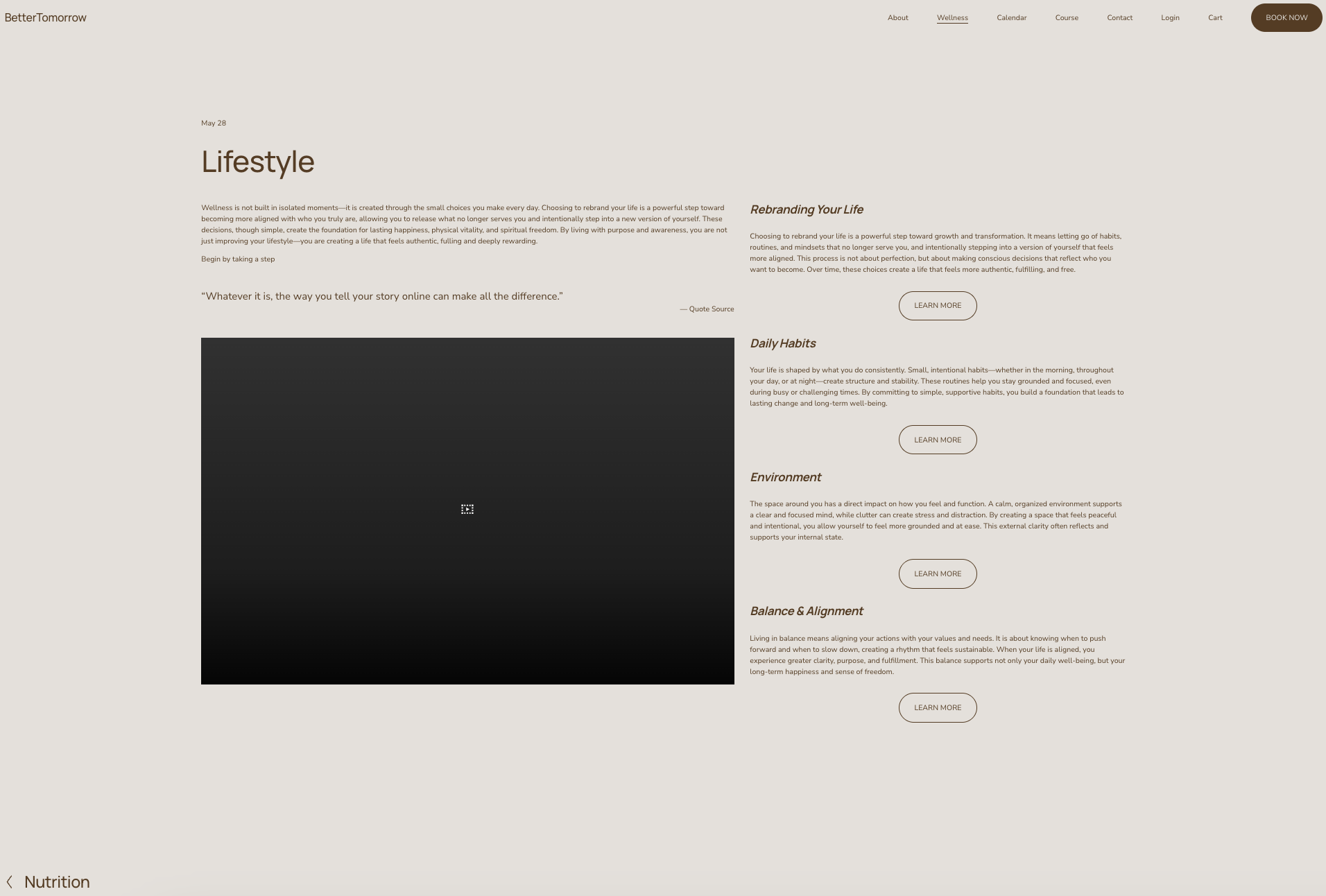
Sections of Wellness page
Once a user clicks on one of the four elements, they are directed to a dedicated page focused on that topic. Each section includes detailed information, options to read further on specific topics, a video, and a supporting quote.
An arrow at the bottom guides users forward, enabling them to explore more content with fewer clicks and creating a smoother, more enjoyable interaction.
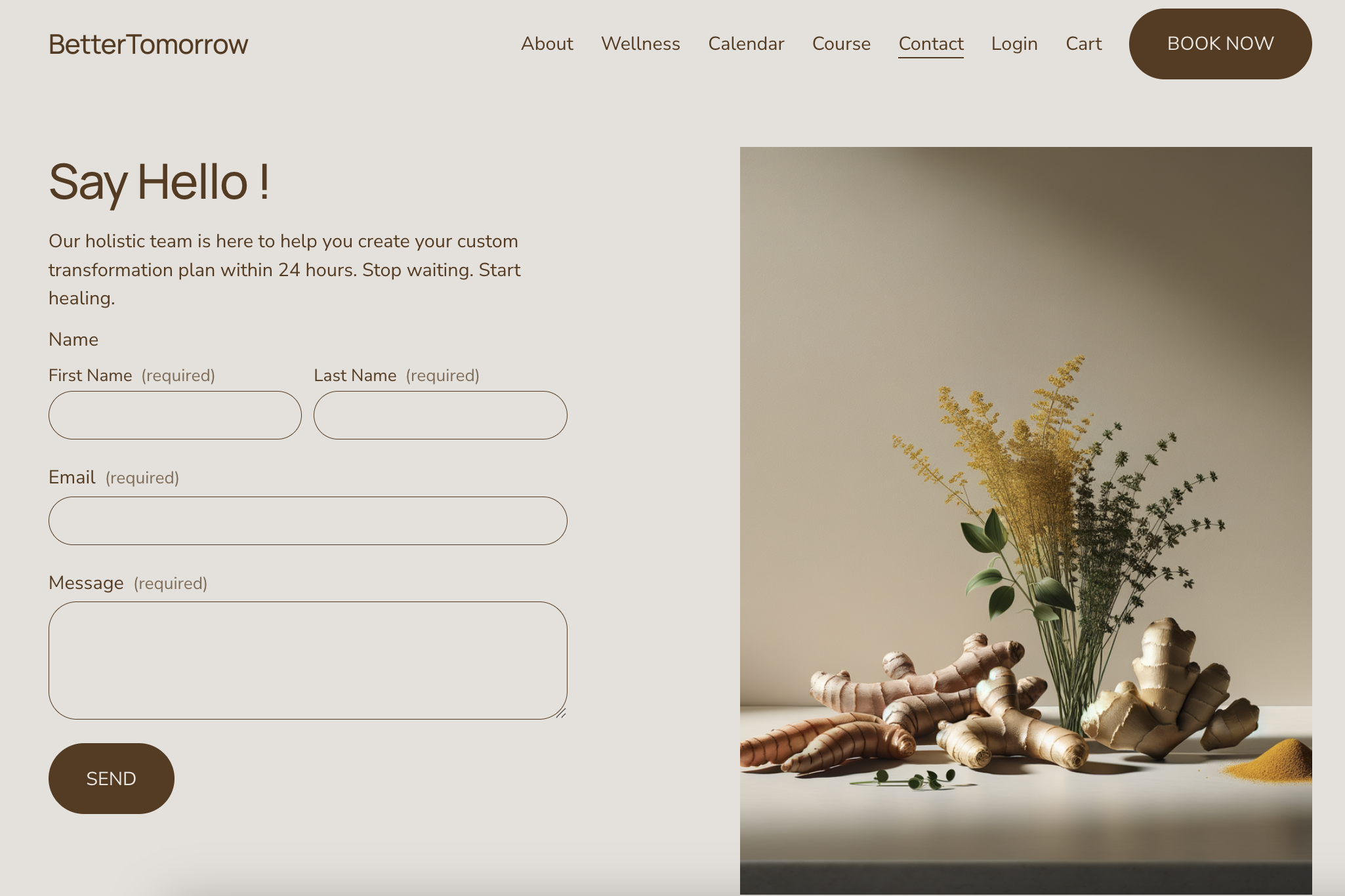
The Contact page
Selecting “Contact” from the dashboard directs users to a dedicated webpage where they can submit questions, concerns, or feedback.
The Login Page
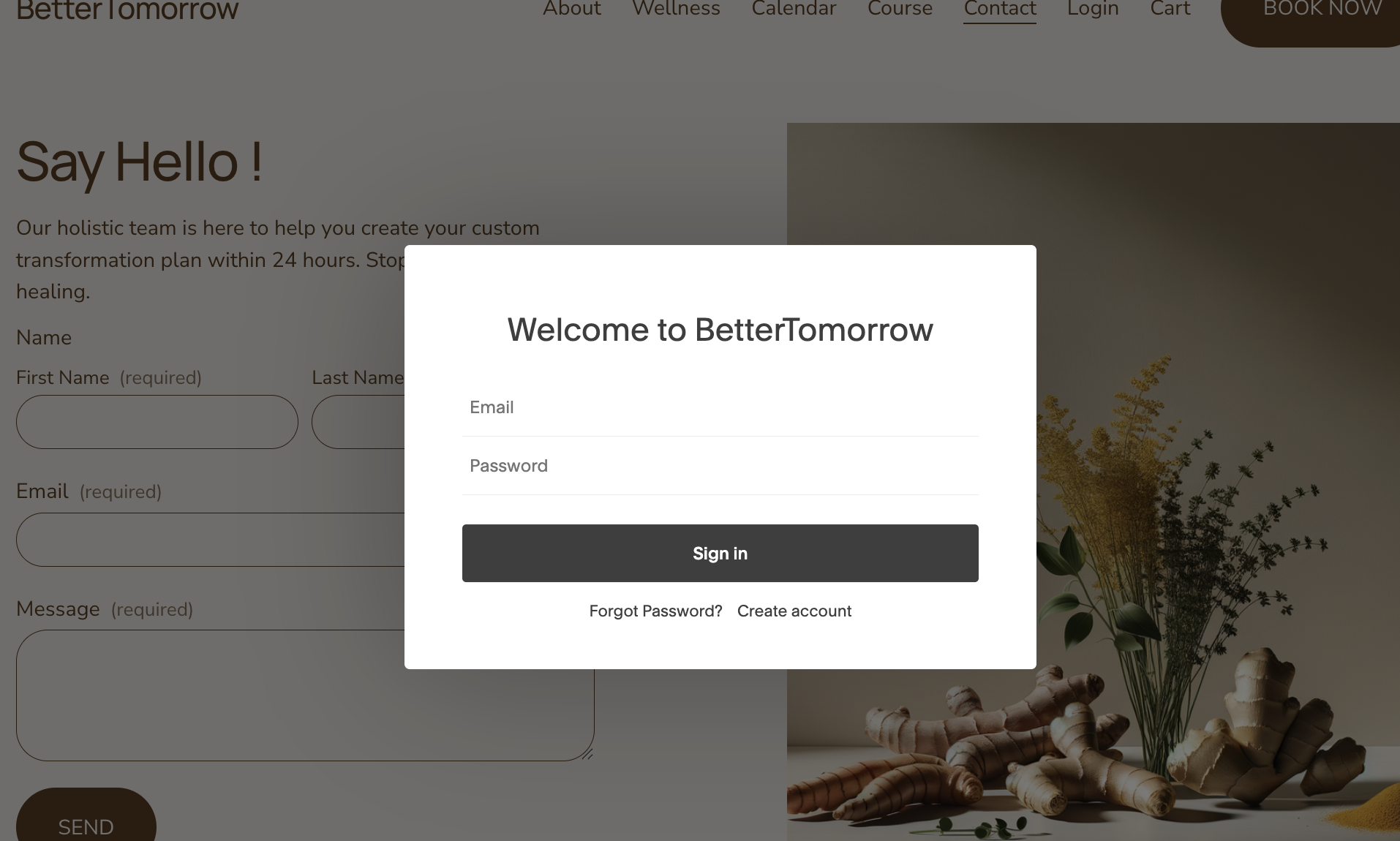
Selecting “Login” from the dashboard opens a login pop-up for user access. Once an account is created, users can log in to track and record their activity and history within the website.
Book Now Page
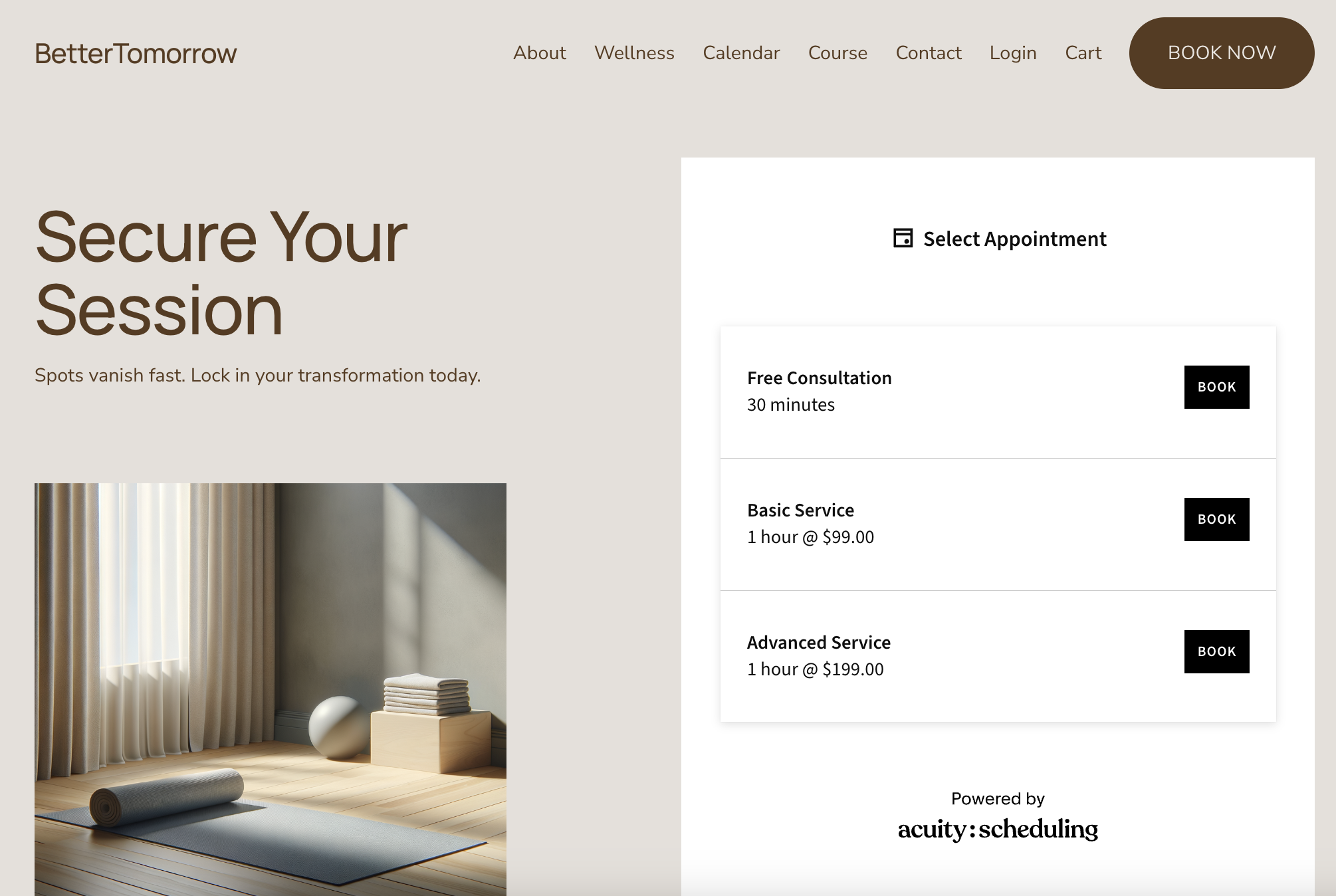
Selecting “Book Now” from the dashboard directs users to the “Secure Your Session” webpage, where they can reserve spots in classes they wish to attend.